
Mac & MacBook Wallpapers
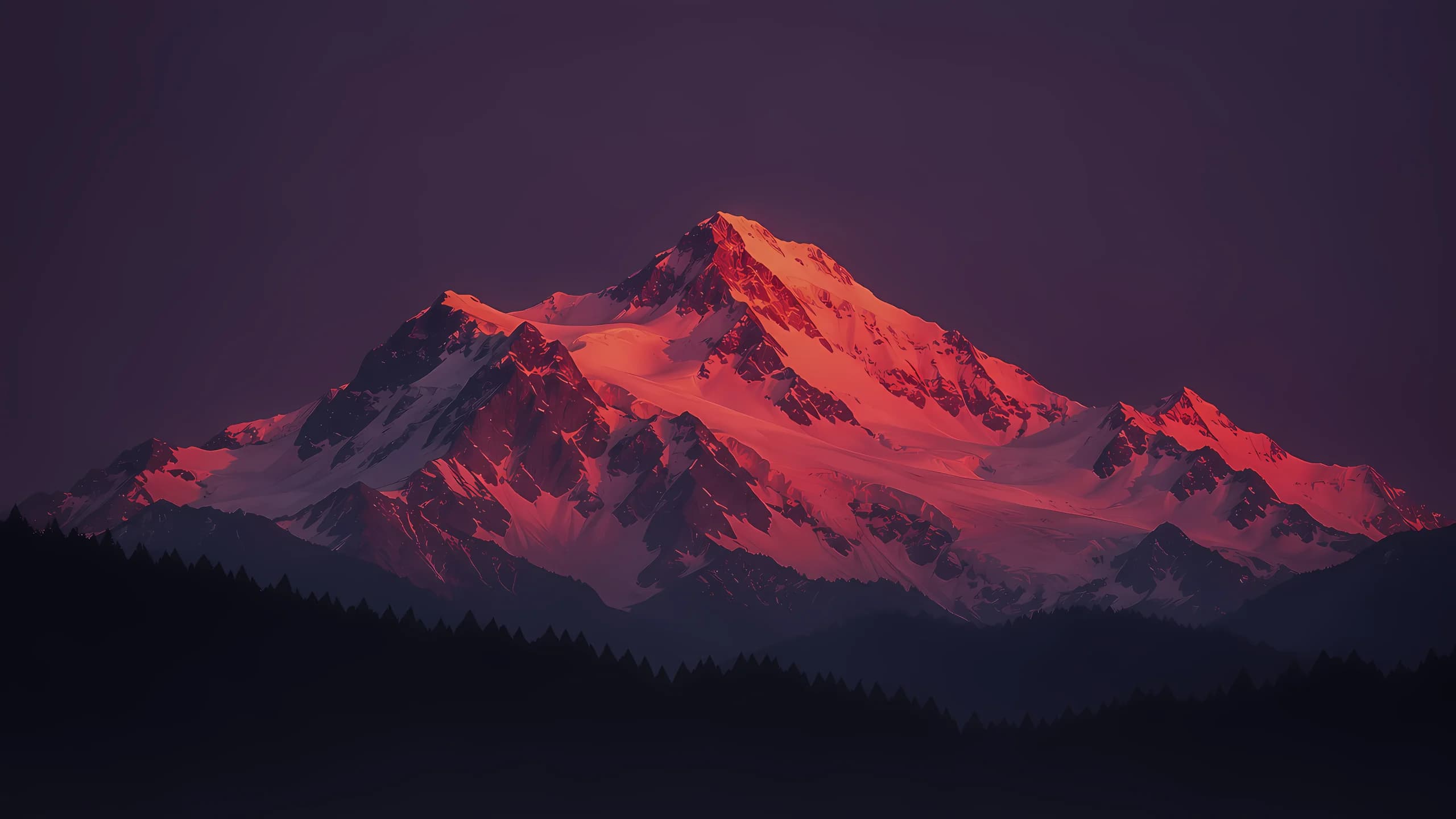
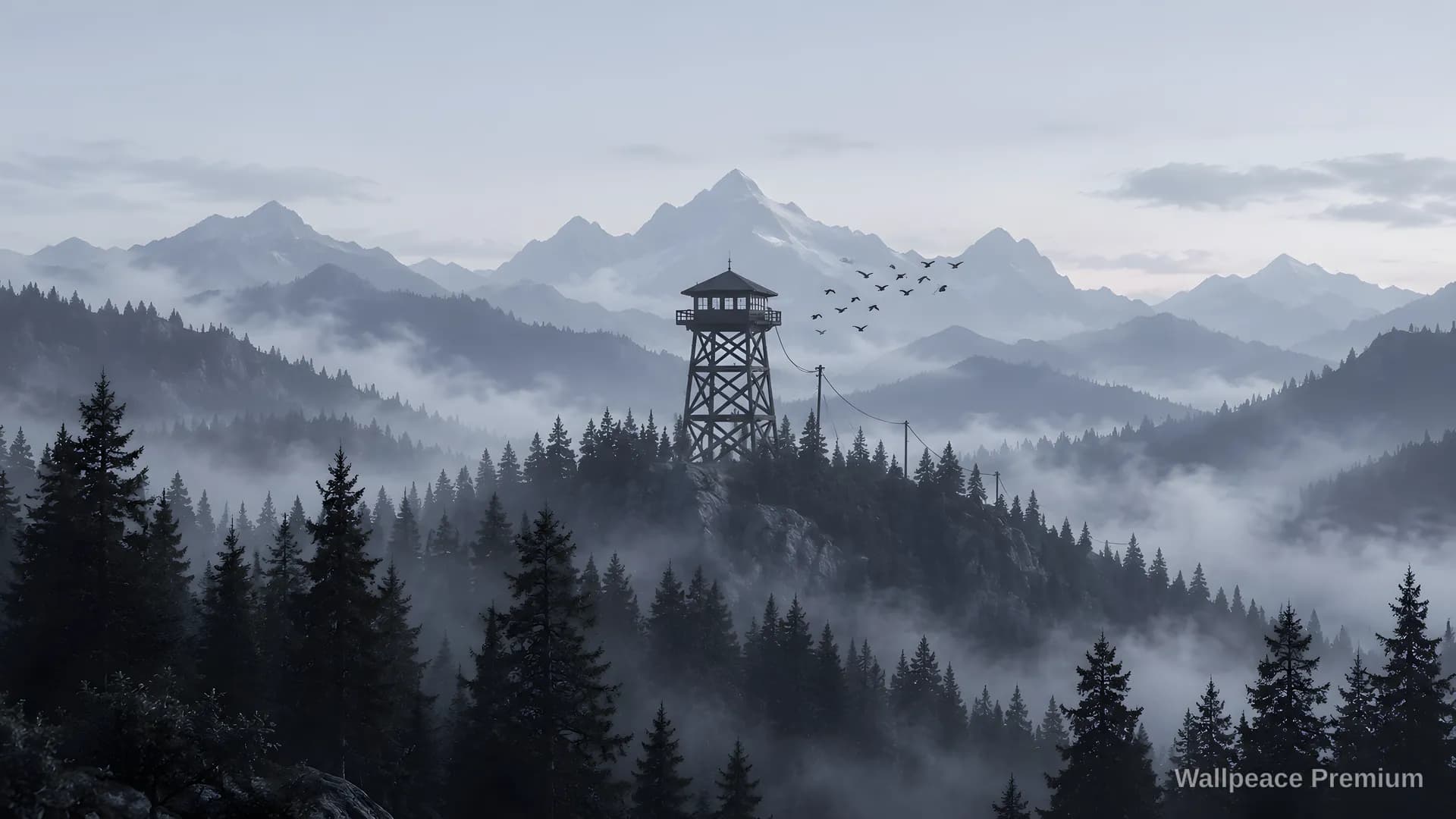
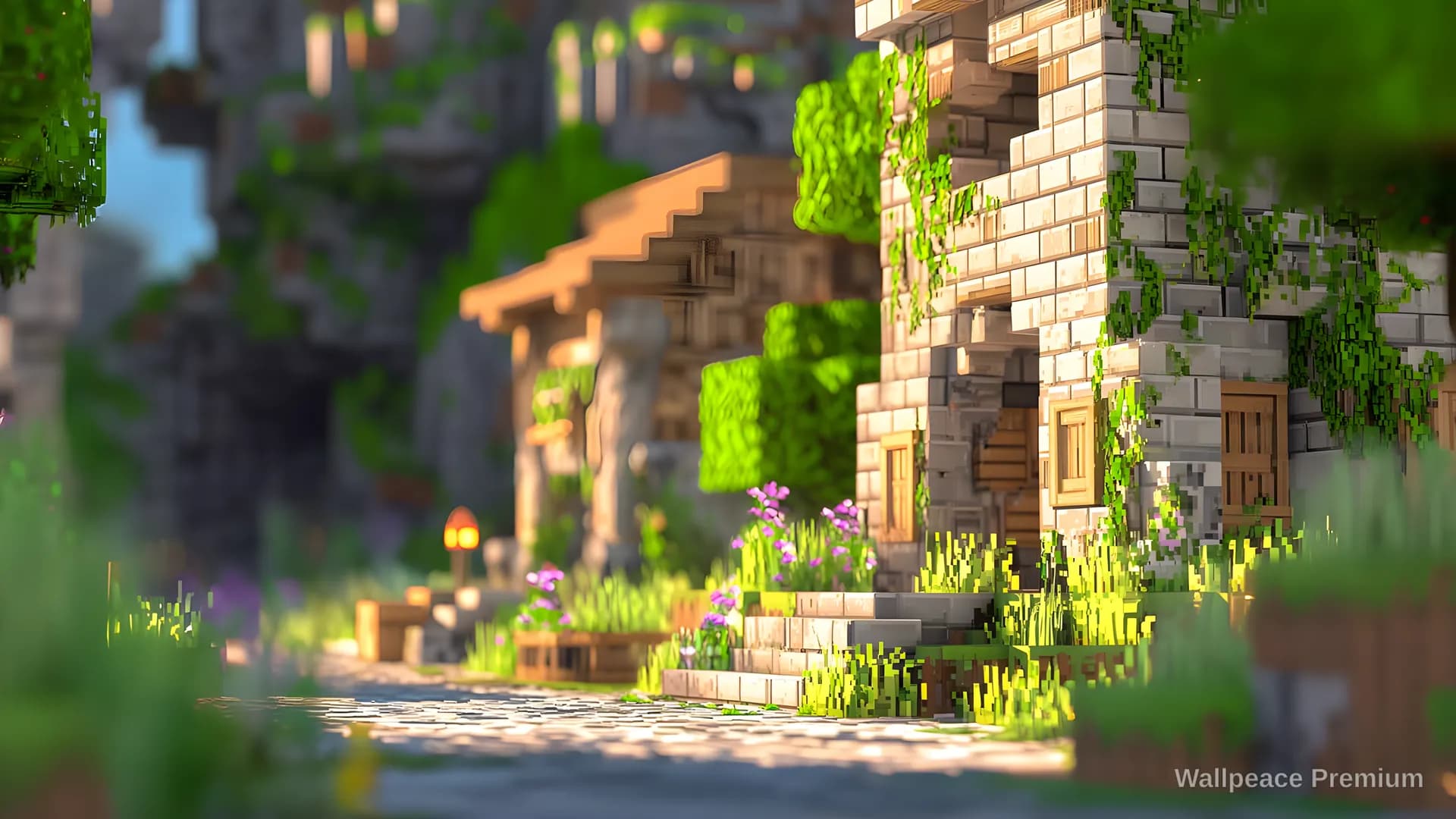
Original 4K wallpapers for Mac, MacBook Pro and MacBook Air.
Every wallpaper here is a 4K download that fills a Retina screen. Open one to see it on a MacBook first, with the dock and menu bar in place, so you know how it sits behind your icons before you set it.















































































How to set a wallpaper on your Mac
- Download the wallpaper from its page.
- Open System Settings, then Wallpaper.
- Choose Add Photo and pick the file you downloaded, or right-click the file in Finder and choose Set Desktop Picture.
Looking for a particular mood? Try the minimal and dark collections, or see all collections and the full library.